Get complete visibility on MSP configuration synchronization status with alert notifications
Hi everyone,
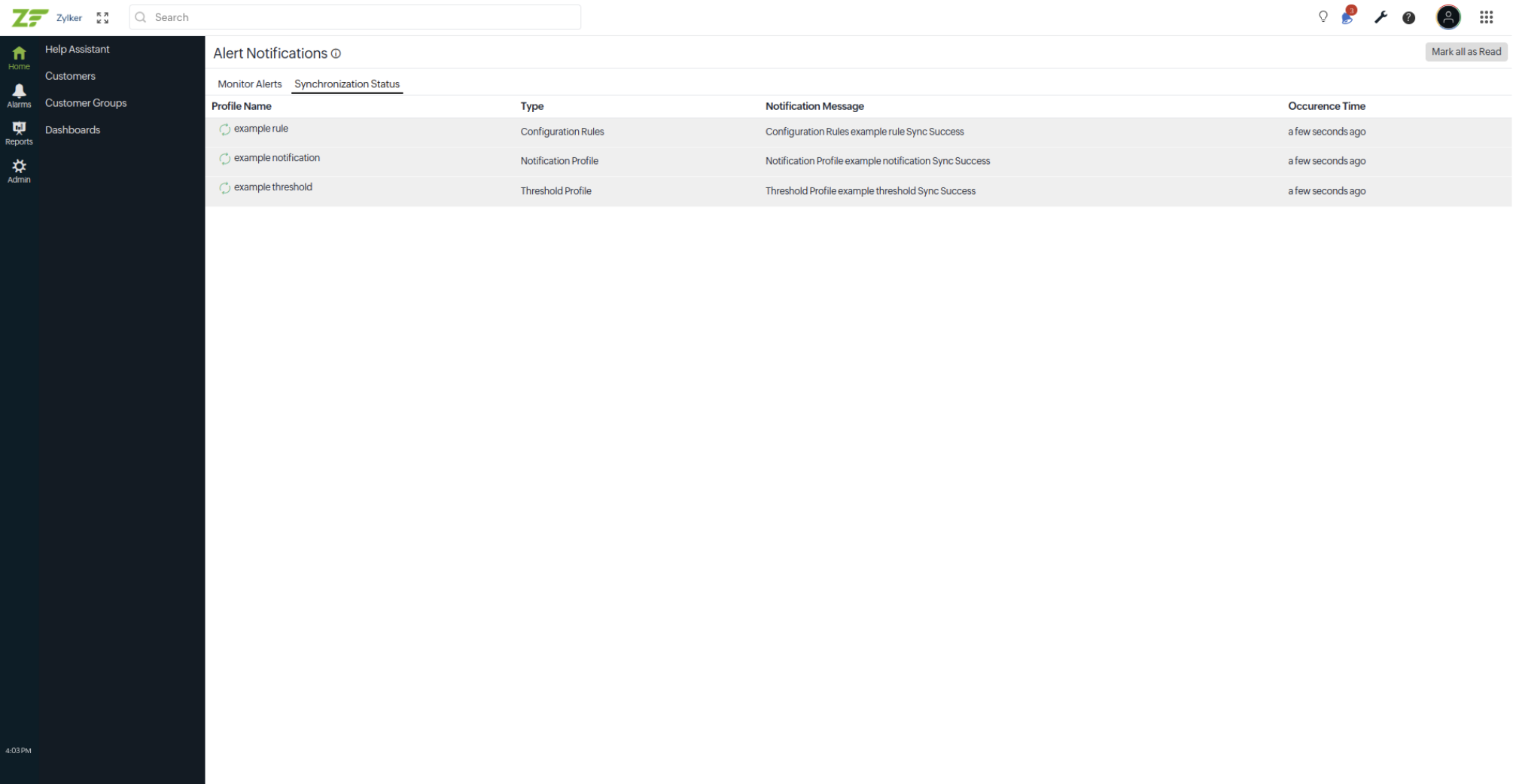
We have upgraded alert notifications for Site24x7 MSP to display the Synchronization Status. This centralized notification center helps you track MSP-level configuration synchronizations for all the configuration settings.
Why this matters
MSPs need clear visibility into whether configuration changes are successfully synchronized across customer accounts. The Synchronization Status tab provides a centralized view of every synchronization event, allowing administrators to quickly identify successful or failed updates, troubleshoot issues, and take corrective action when needed.
Synchronization status
Monitor the synchronization of MSP-level configurations across customer accounts.
Benefits
- Verify successful synchronization of MSP configurations.
- Quickly identify failed synchronization attempts and take corrective actions.
Getting started
- Log in to your Site24x7 MSP account.
- Click the notification bell icon in the top-left corner.
- Select See All Notifications to open the Alert Notifications page.
- Navigate to Synchronization Status tab to review the sync status of the MSP level configurations.
For more details, refer to our help documentation.
We'd love to hear your feedback and suggestions in the comments below.
Best Regards,
The Site24x7 team